Request a copy of the personal data Enduranz Lab stores for your account. You get a ZIP file with structured files, including GPX files for your tracks.
Request your data
- Open Settings › Account
Sign in, open your account menu, then Settings, then Account.
- Click Request export
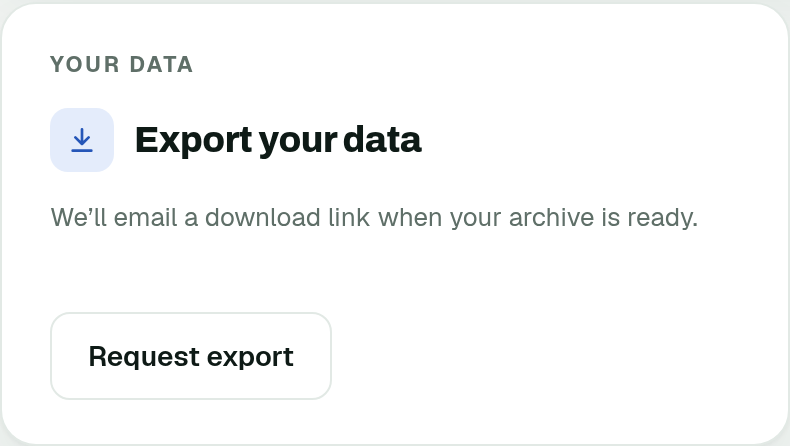
Under Export your data, click Request export. The archive includes everything we can export; there is nothing to pick.
Settings › Account - Check your inbox
When your file is ready, you receive an email with a download link and a code. Check your spam folder too.
Download the file
- Open the link
Open the download link from the email. The link works for 48 hours.
- Enter the code
Type the code from the same email, then download the ZIP. The link and code work once.
You can request up to 2 downloads per day. If the link has expired or was already used, request a new one.
The ZIP never contains your password or your two-factor secrets.
Was this page helpful?