Enduranz Lab exposes a remote MCP endpoint so assistants like ChatGPT can work with your sporting data after you authorize access.
Overview
- Open Settings › AI and MCP
In the Enduranz Lab app, open your account menu, then Settings, then AI and MCP.
- Choose how to connect
Create a personal access token or connect via OAuth (Connected apps), depending on your client.
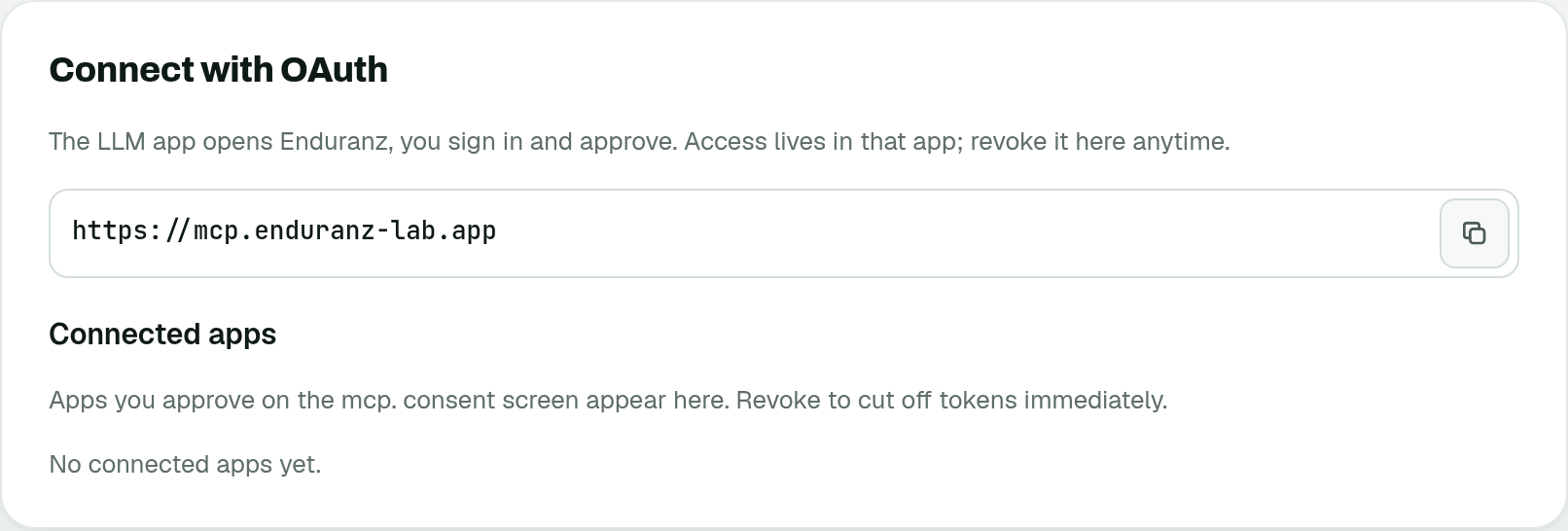
Settings › AI and MCP · OAuth 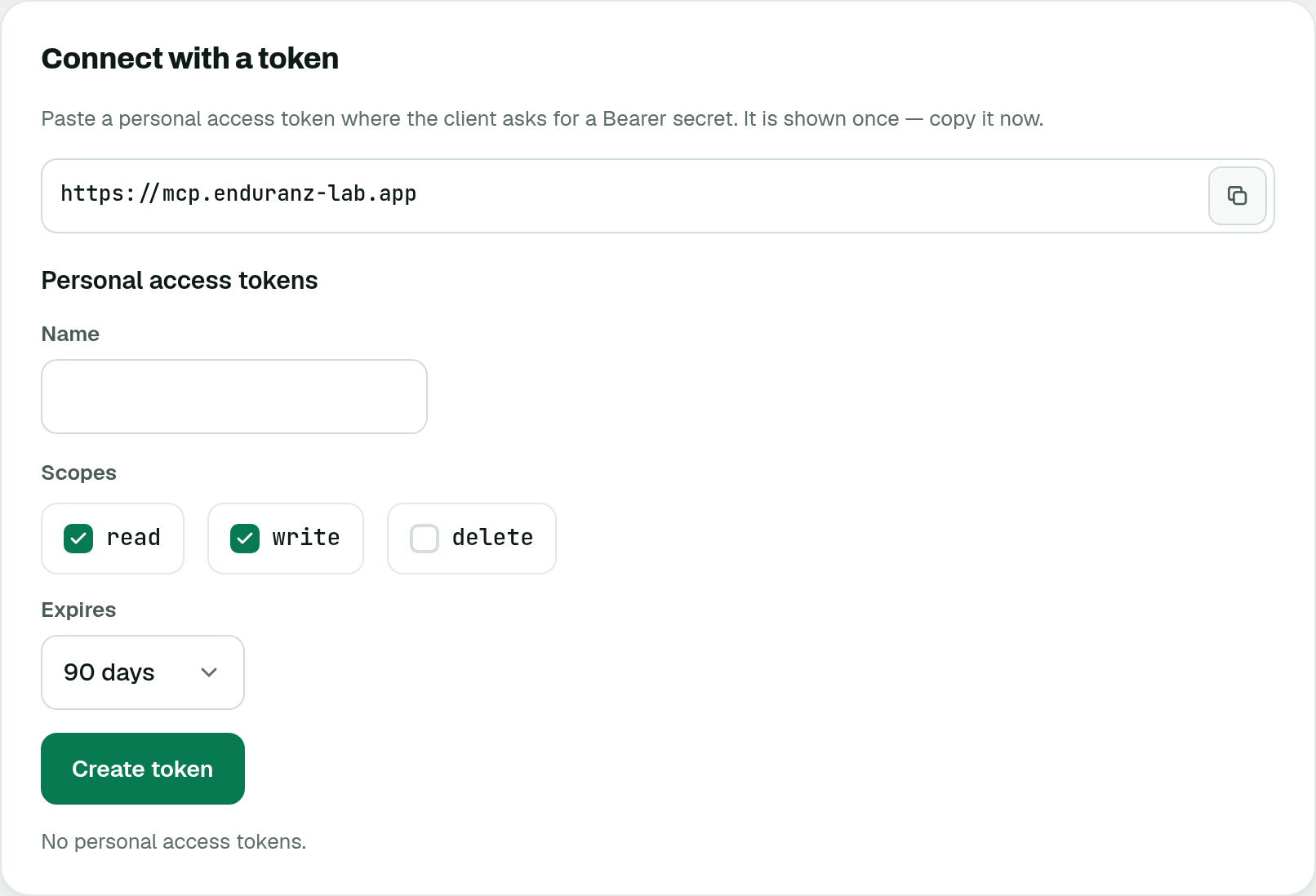
Settings › AI and MCP · Personal access token - Add the server in your AI client
In your AI client, add the Enduranz Lab MCP server URL from Settings and complete authorization.
Note
Exact client screens differ by vendor. Prefer the Settings page as the source of truth for the public MCP URL and scopes.
Client-specific steps
Coming
More screenshots and client-specific steps will follow.
Was this page helpful?